SmartInvest
A stock research app. Its AI Research card streams a web-searched, cited report while it is written, next to a market overview and screeners. The AI engine tries local command-line tools before falling back to an API key.
One screen for a stock
SmartInvest is a monorepo of a Next.js app, a Telegram bot and the AI research engine the two share. The Indian-market code came out on 2026-06-21, and the app covers US stocks only.
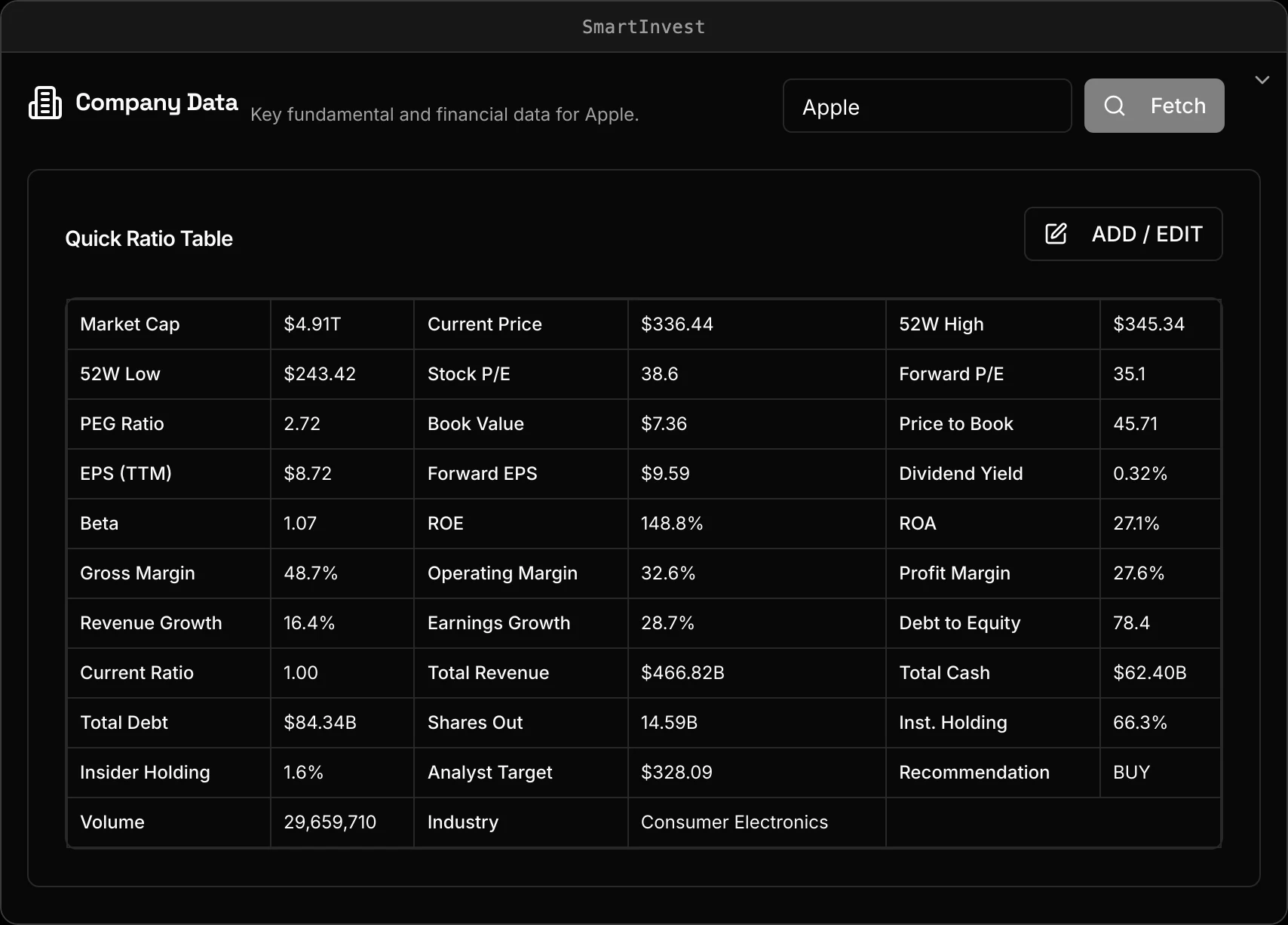
The web app is one long page. Under the market overview and the screeners come the company data, the financial tables and a price chart for the stock I pick, and the AI Research card sits below them.
The AI research engine
The engine starts with the local claude, codex or agy command-line tools, which let a report run on a subscription already signed in on the host. It falls back to an OpenAI-compatible API such as OpenRouter when a key is set.
The command-line route works only when the app is self-hosted, because the tool has to be installed and signed in on the server. On a cloud host such as Vercel the app needs an API key and a model that can search the web.
Reports reach the browser as server-sent events from /api/ai-research, and the server keeps a finished report on disk for an hour.
Data and the screener
Key statistics come from Yahoo Finance without any key, and the full income, balance-sheet and cash-flow tables come from Alpha Vantage when a key is set. The price chart is an embedded TradingView widget.
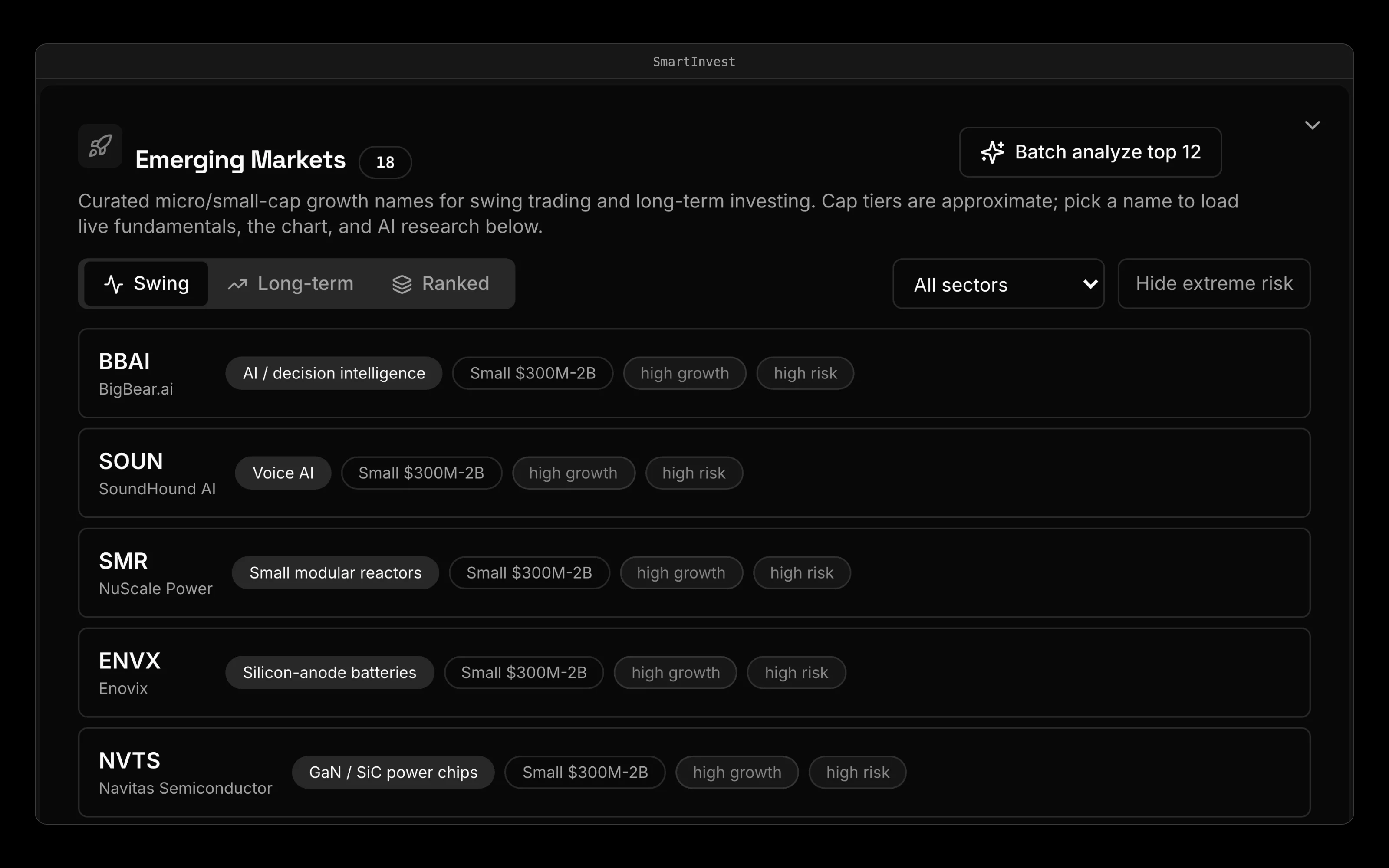
The Emerging Markets screener is a fixed list of 28 small-company names, with cap, growth and risk tags that live in the code. Picking a name loads its numbers and an AI report in the cards below, and Batch analyze runs the top 12. With an FMP key set, the code switches to a live market-wide screen instead of that list.
The bot in apps/bot runs the same engine for its /research command and a daily research digest, and it posts an hourly market and watchlist summary.